Transition Lab for DaVinci Resolve
Collections
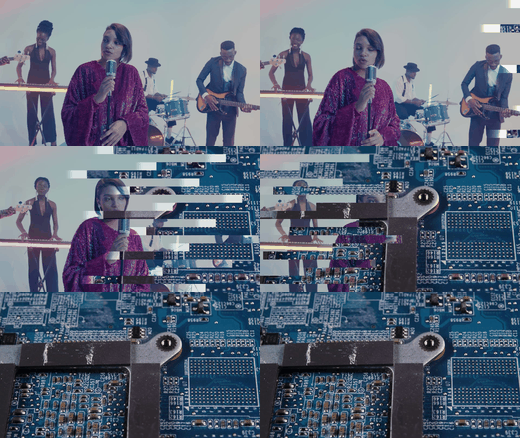 Cut Lab895 transitions · Shape cuts and textures: arrows, blocks, halftone, petals, glass, slice, digital, time slip.
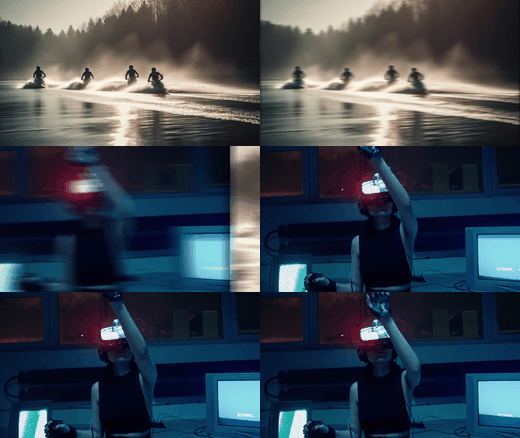 Grid Lab371 transitions · Multi-screen photo grids 2x2 to 4x4, split, minimal, abstract and 3D camera moves.
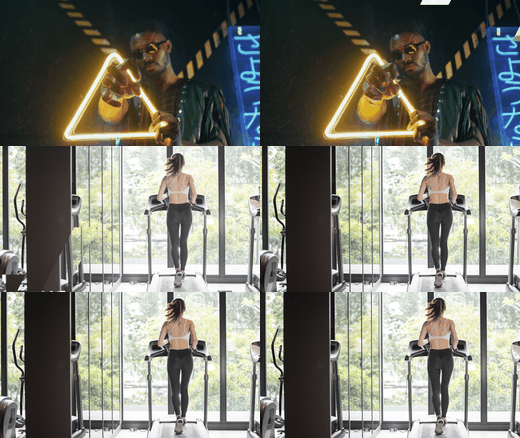 Color Lab336 transitions · Colour shape reveals with light rings: circle, hex, lift, block, spiral and classic sets.
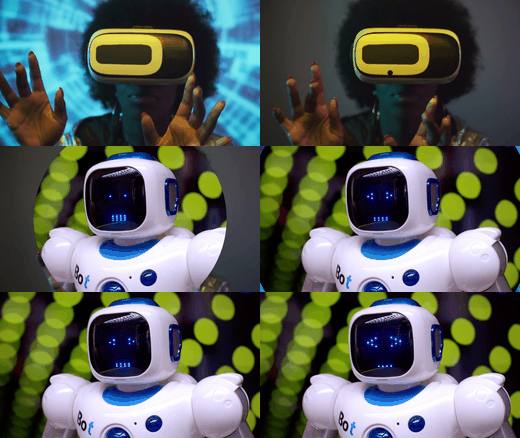 Bars Lab164 transitions · Bars, blocks, lines and circles bringing the next shot in with a push.
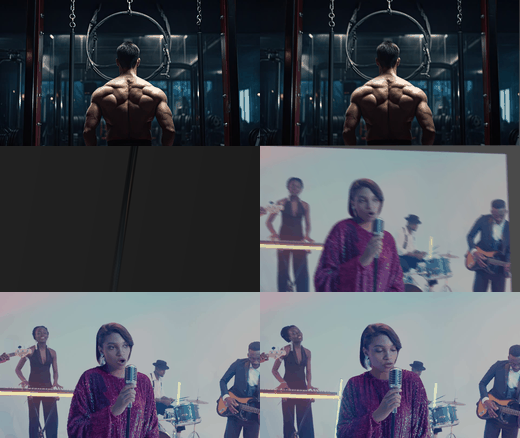 Flip Lab92 transitions · Card flips: pan, scale, slide, spin - basic, shake and swing.
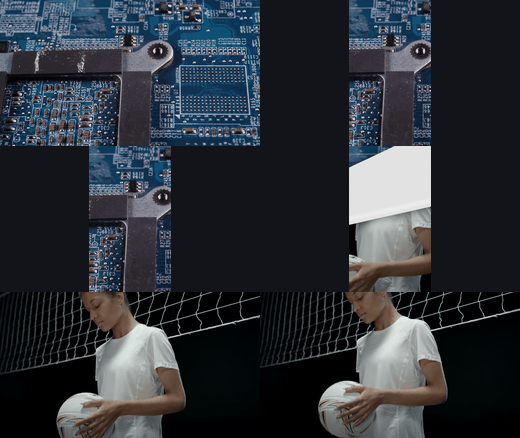 Page Curl Lab36 transitions · Real page curls with paper backs - landscape, portrait and square.
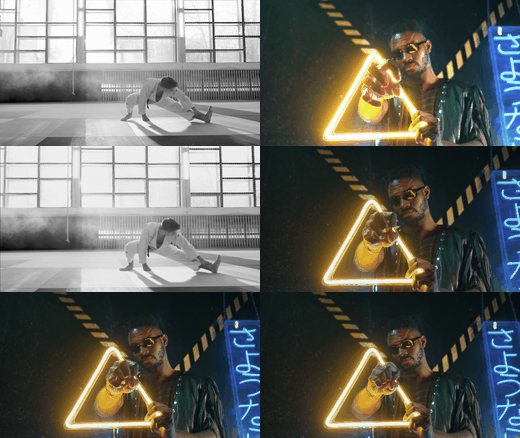 Paging Lab28 transitions · Photo pages stacking in over the cut.
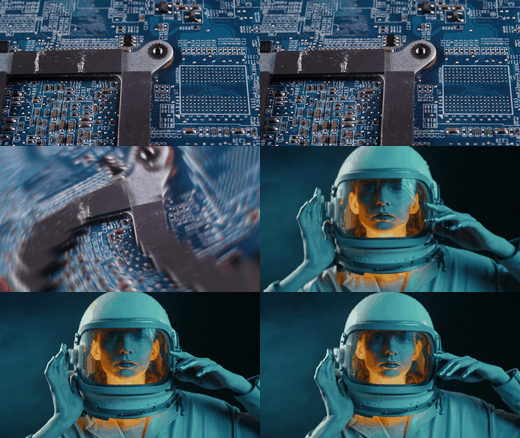 Parallax Lab25 transitions · Layered parallax camera moves: direction, spin, zoom, slide.
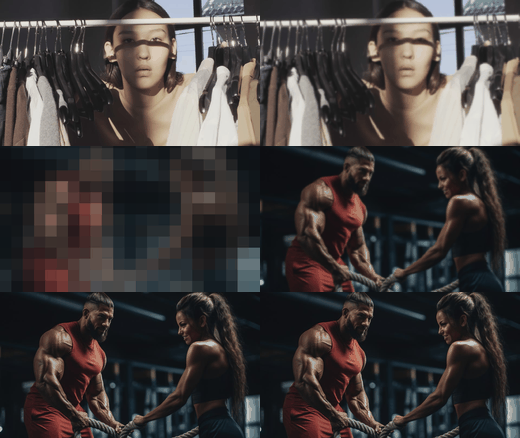 Fade Lab23 transitions · Stylish dips: blur, exposure, pixel, RGB and solid.
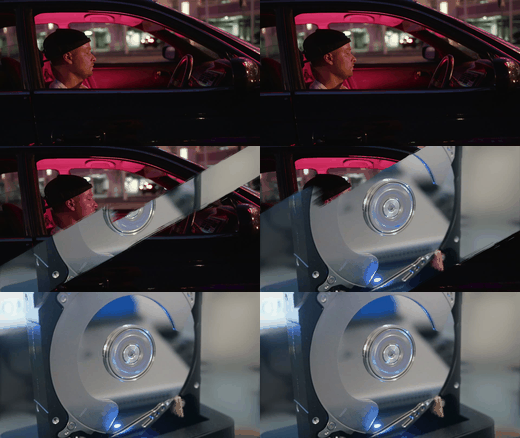 Paint Lab10 transitions · Hand-painted brush stroke reveals.
1. Installation
Transition Lab is a set of native Fusion transition templates — no plugins, no scripts.
Option A — one-click bundle (DaVinci Resolve 18 or newer, recommended)
- Double-click the Transition Lab.drfx file (DaVinci Resolve opens, or drag the file onto the Fusion page).
- Hit the Install / Overwrite button in the DaVinci Resolve dialog.
- Done! 14 collections (4,546 transitions) are now in the Effects window → Video Transitions → Fusion Transitions.
- Paint Lab and Page Curl Lab read image sequences from their
_assetsfolders, which a bundle can't carry. Close Resolve and copy the foldersTransitions/Paint LabandTransitions/Page Curl Labinto Resolve's transition templates folder:WindowsIf the
%APPDATA%\Blackmagic Design\DaVinci Resolve\Support\Fusion\Templates\Edit\Transitions\
(paste the line above into the File Explorer address bar)
macOS
~/Library/Application Support/Blackmagic Design/DaVinci Resolve/Fusion/Templates/Edit/Transitions/
(Finder → Go → Go to Folder…)
Linux
~/.local/share/DaVinciResolve/Fusion/Templates/Edit/Transitions/EditorTransitionsfolder doesn't exist yet, create it. - Start DaVinci Resolve. The collections appear in the Edit page → Effects → Toolbox → Video Transitions → Fusion Transitions, each in its own group.
Option B — manual (any Resolve version)
Instead of the bundle, copy all 16 folders from Transitions into the folder above. You can also copy only the collections you need — each folder works on its own.
_assets folders as they are.To uninstall the bundle, delete Transition Lab.drfx from the …/Fusion/Templates/ folder (one level above Edit).
2. Applying a transition
- Put two clips next to each other on the timeline.
- Drag a transition from Fusion Transitions onto the cut between them (or select the cut and double-click the transition).
- Play. That's it — the transition takes the outgoing clip (A) and the incoming clip (B) automatically.
3. Duration, direction & settings
Duration
Drag the edges of the transition on the timeline, or set Duration in the Inspector. Every transition is re-timed to the length you choose — the whole animation always plays inside it.
Direction & variants
Directions are separate presets, named after them: …-Down, …-Left-Up, …-CW / …-CCW, …-In / …-Out. Swap a transition by dragging another one onto it.
Settings in the Inspector
Select the transition on the timeline and open Inspector → Transition. Where a collection has controls, they're listed there:
| Collection | Controls |
|---|---|
| Seam Lab → Target | Target (X, Y): the point the picture zooms or spins into. 0.5 / 0.5 is the centre; X 0 = left, 1 = right; Y 0 = bottom, 1 = top. |
| Reveal Lab | Colours of the reveal shapes and brushes, tint amount, on/off switches (e.g. Colored Brush colours and mode). |
| Other collections | Ready to use as designed — pick the variant you like. |
4. Vertical & square projects
The transitions adapt to the timeline resolution: 16:9, 9:16 (Reels, Shorts, TikTok), 1:1 and 4K. Page Curl Lab additionally includes designs made specifically for Portrait 9×16 and Square 1×1 — use those on vertical/square timelines.
5. Smooth playback
Many transitions do real per-pixel work (masks, lens distortion, motion blur). If playback stutters:
- Playback → Render Cache → Smart (or right-click the transition → Render in Place).
- Playback → Timeline Proxy Resolution → Half / Quarter while editing.
- The final render is always at full quality regardless of these settings.
6. What's inside
| Collection | Transitions | What it is |
|---|---|---|
| Cut Lab | 895 | Shape cuts and textures: arrows, blocks, linear, diamond, wave, spiral, halftone, comb, petals, circle, ovals, glass, slice, digital, time slip |
| Slide Lab | 638 | Shape-masked slide pushes in 12 families: arrows, blades, blinds, circles, clocks, curtain, linears, patterns, rounds, spirals, squares, steps |
| Shape Lab | 598 | Colourful shape wipes in 12 families (same shapes as Slide Lab, as colour sweeps) |
| Split Lab | 560 | The frame cut into pieces that fly apart: arrows, circles, cube, geometric, grid, patterns, planks, rings |
| Grid Lab | 371 | Multi-screen photo grids 2×2 … 4×4, double, triple, quad, split, minimal, abstract, 3D camera |
| Color Lab | 336 | Colour shape reveals with light rings: circle, hex, lift, block, gap, step, spiral, fountain… |
| Reveal Lab | 338 | Reveals: prism & pixel slats, shift bands, push panels & steps, tint panels, layer cuts, card drop, sweep, lens, brush (colour controls) |
| Seam Lab | 287 | Seamless camera moves: zoom, spin, target, jump, slide, pan, roll, turn, skew, stretch, pull, panorama, perspective |
| Throw Lab | 191 | Move, rotate, morph, colour stripes, displace, flip, paging, glitch, frames roll, light flares |
| Bars Lab | 164 | Bars, blocks, lines, circles bringing the next shot in with a push |
| Flip Lab | 92 | Card flips: pan, scale, simple, slide, spin (basic / shake / swing) |
| Page Curl Lab | 36 | Real page curls with paper backs — landscape, portrait, square |
| Paging Lab | 28 | Photo pages stacking in over the cut |
| Parallax Lab | 25 | Layered parallax camera moves: direction, spin, zoom, zoom-spin, slide-spin |
| Fade Lab | 23 | Stylish dips: blur, exposure, pixel, RGB, solid |
| Paint Lab | 10 | Hand-painted brush stroke reveals |
| Total | 4,592 |
7. Troubleshooting
I don't see the transitions
- Bundle: make sure you confirmed Install and restarted Resolve (Resolve 18+ only).
- Folders: check the path (section 1) — the collections must be inside
…\Templates\Edit\Transitions\. - Restart Resolve after copying.
A transition shows only one clip / is shorter than expected
- The clips need handles (media beyond the cut). Trim the clips a little so there is media on both sides of the cut.
Paint Lab or Page Curl Lab shows only the first clip
- These two collections must be installed as folders (not from the bundle), with their
_assetsfolders inside, exactly as in the download.
Playback is slow
- See section 5 — use Render Cache or Timeline Proxy while editing.
After updating the pack, the old look still shows
- A transition already on the timeline keeps the version it was placed with. Drag the new one onto it, and restart Resolve after replacing template files.
8. Requirements
- DaVinci Resolve (free or Studio). Tested on DaVinci Resolve 20.3.
- No third-party plugins.
- Any resolution and frame rate; 16:9, 9:16, 1:1 timelines.